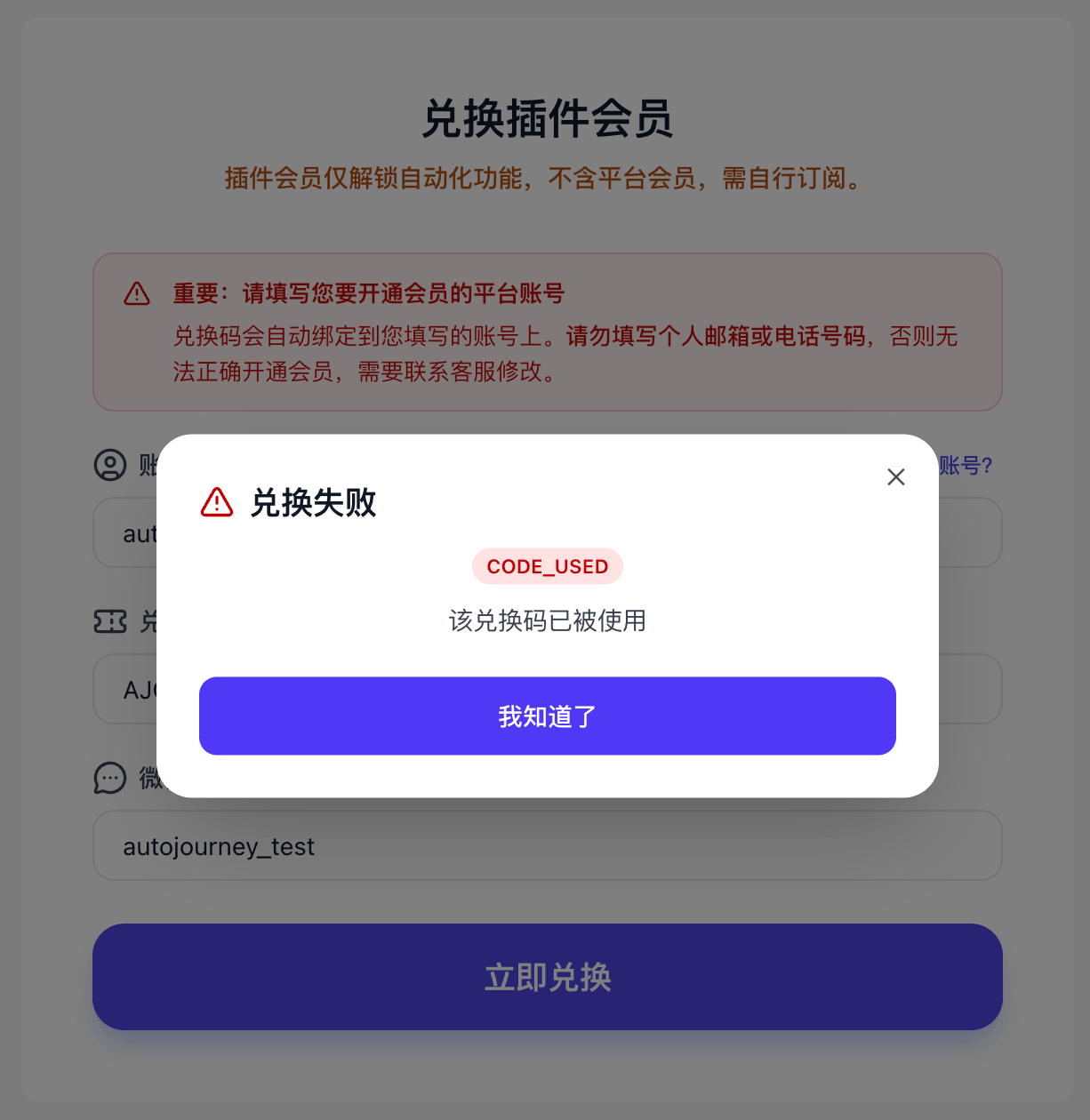
Redemption Guide
Follow the steps below to redeem
Before You Redeem
- Extension membership only unlocks automation features and does not include platform membership — platform subscriptions must be purchased separately.
- Please confirm the redemption account is correct — redemptions cannot be reversed once completed.
Redemption URL
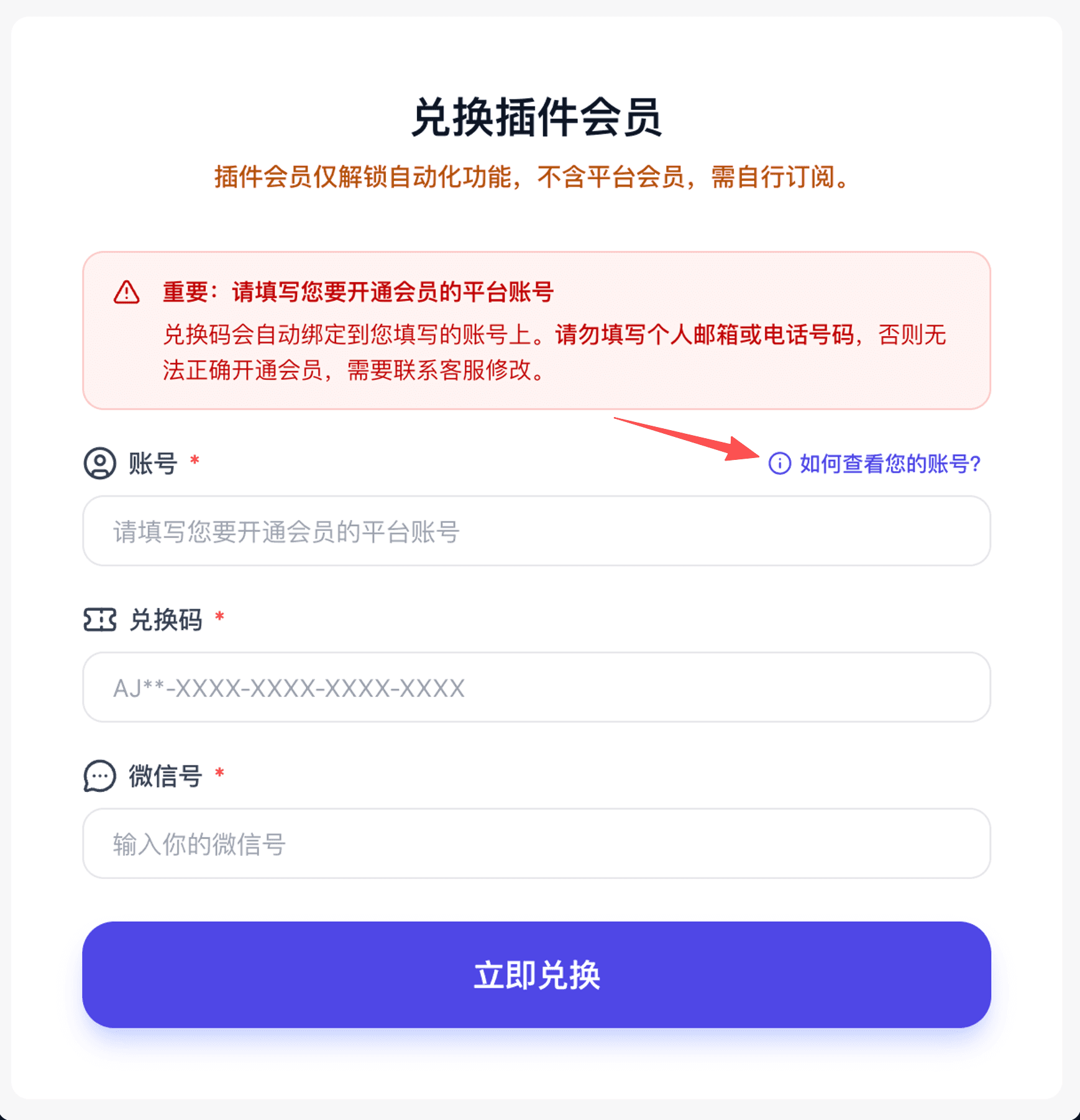
1. Check your account
Click "How to find your account?" in the top-right of the account field for instructions.
If the extension is not installed, please install the extension first.
2. Fill in the form
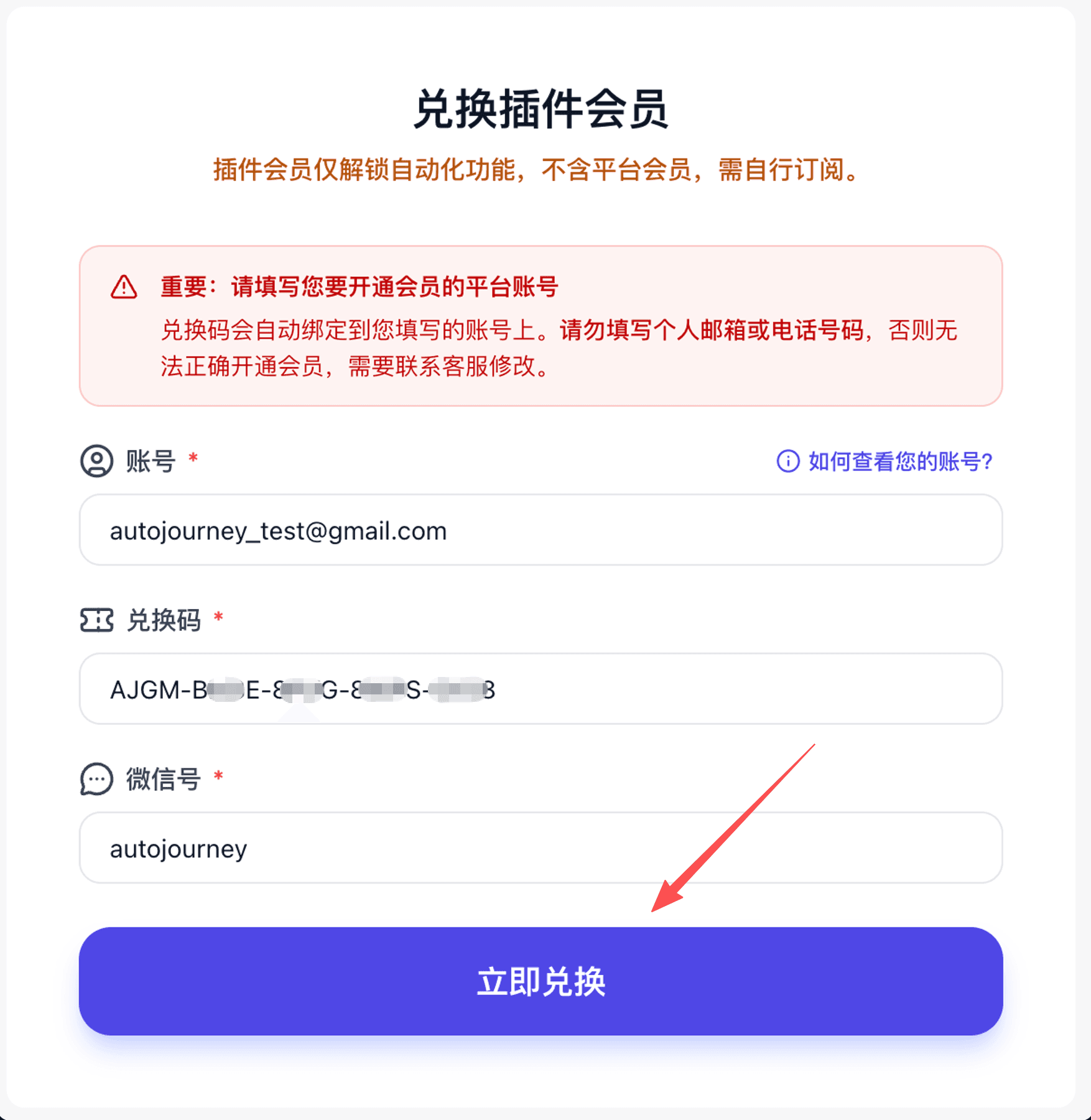
Enter your account, redemption code, and email, then click "Redeem Now".
3. Review the details
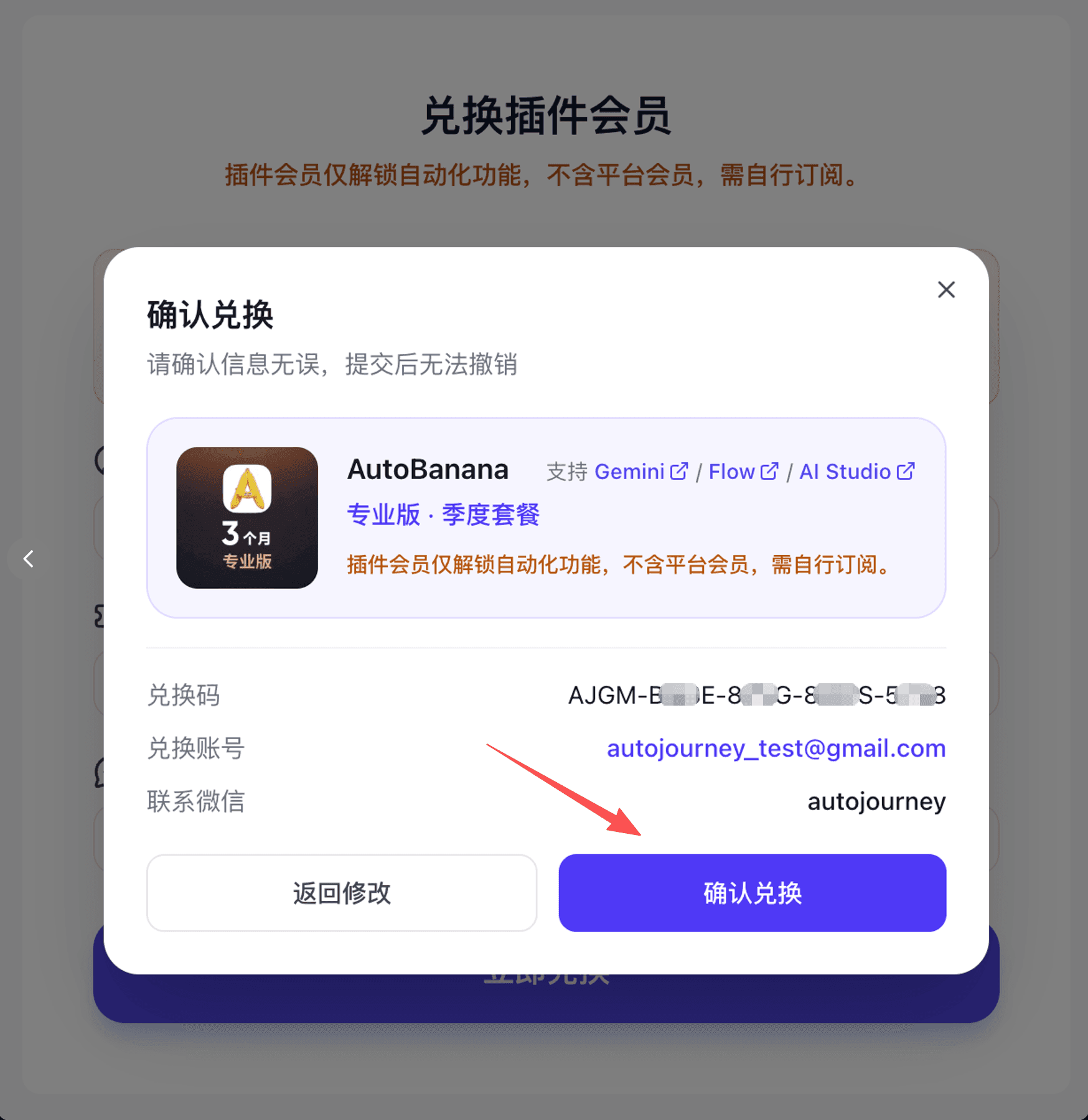
In the confirmation dialog, verify: redemption account, plan tier, billing cycle, and supported platforms, then click "Confirm".
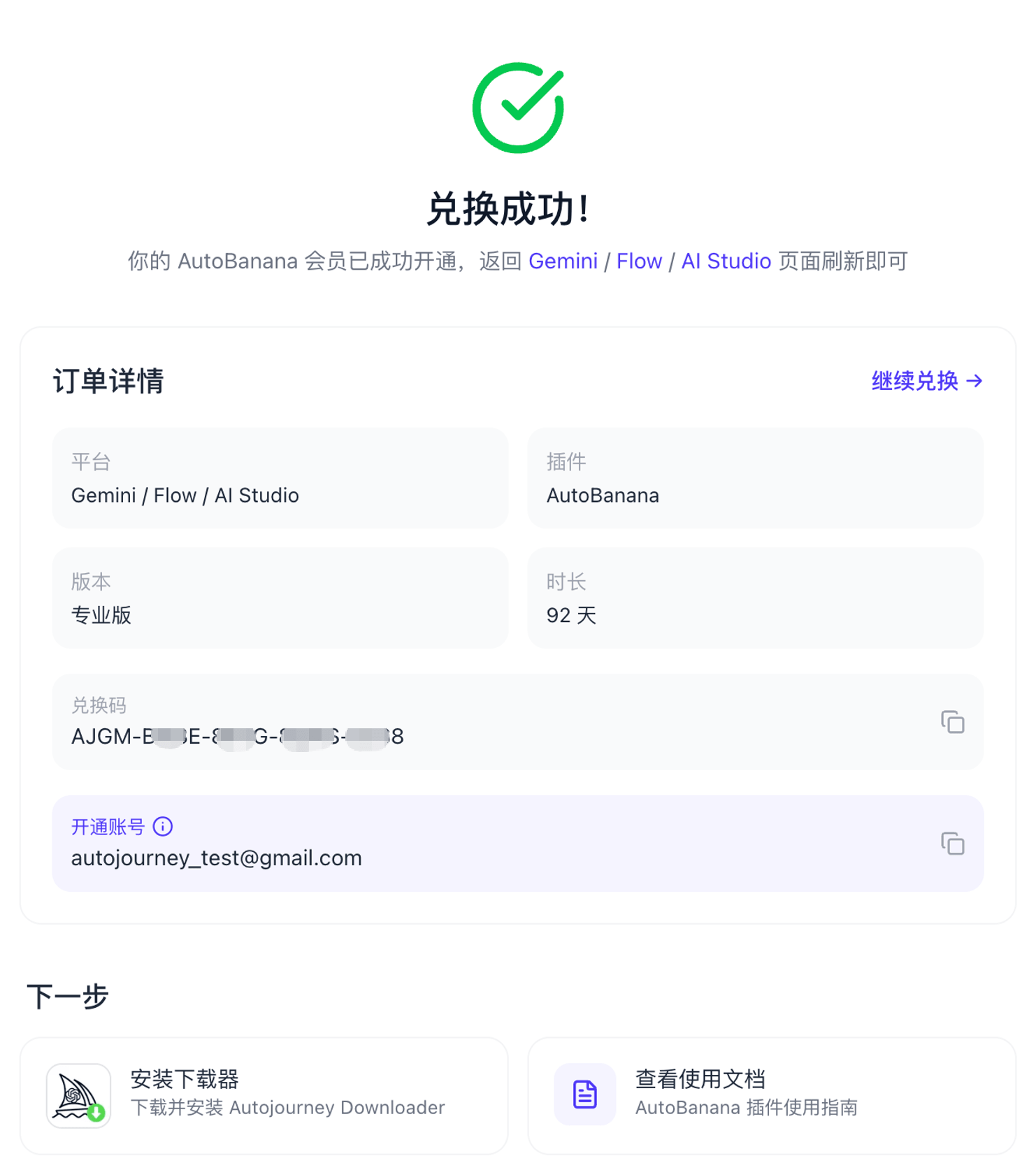
4. Check the result
Redemption Successful
You'll be redirected to the order page where you can view redemption details.
Redemption Failed
Retry, or screenshot the dialog and contact the agent who sold you the code.